Your plan, on your phone
My Mito Reset is a private web app you add to your iPhone Home Screen. It makes the plan easy to follow and shows your progress as you go.
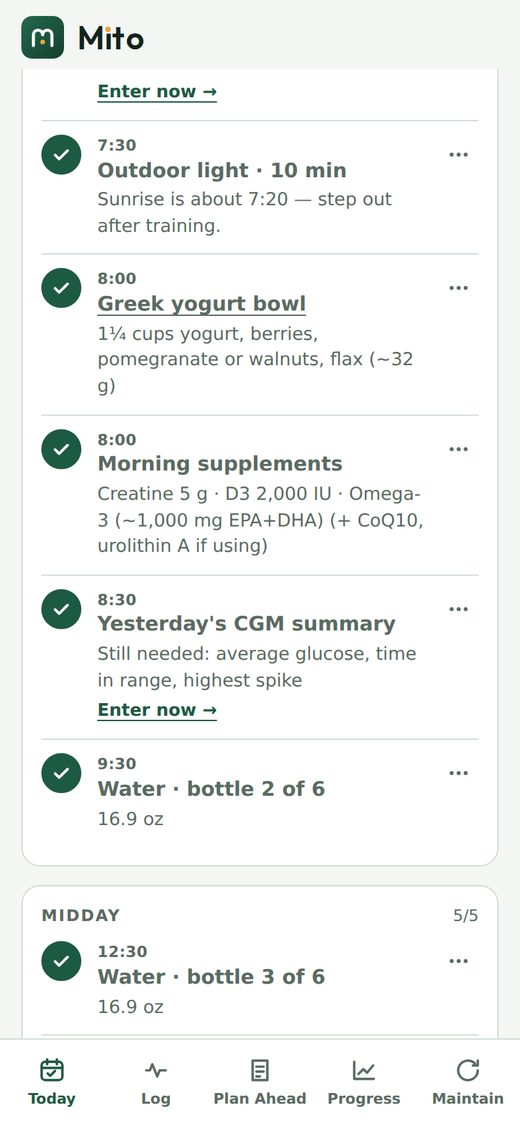
Today
Your timed checklist. Tick, swap or skip, then close the day.
Guided logging
A help button on every number says what it is, when to take it and what range to expect.
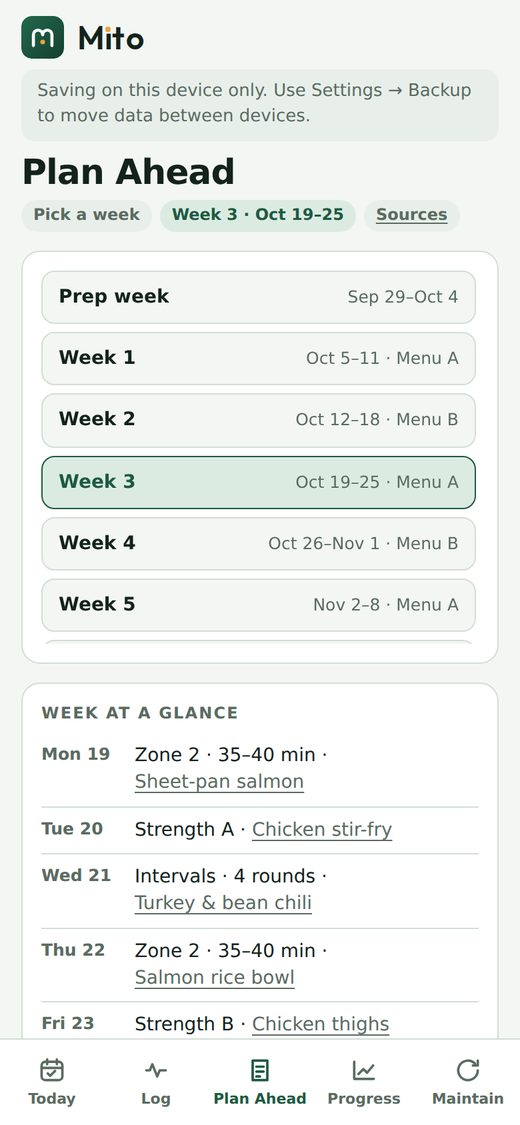
Plan ahead
See any week, the menu, a priced shopping list; add to your calendar or print a PDF.
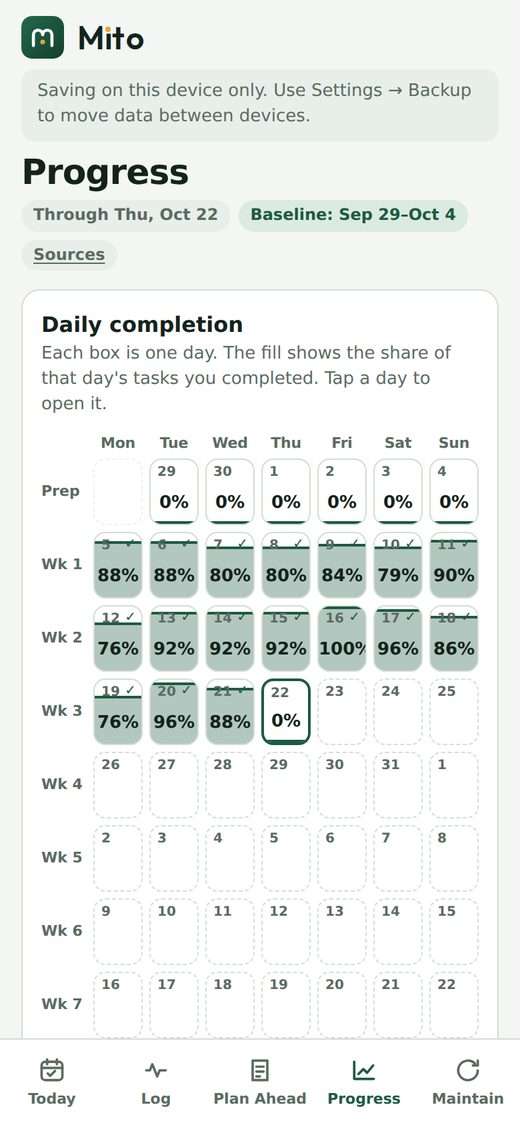
Progress
A day-by-day completion grid, trends against your baseline, and plain-language suggestions.
Maintain
After week 12, a lighter routine built from your own numbers.
Private by design
Entries live on your phone. Add a passcode, take backups, restore earlier versions.

How your data is handled
The app stores entries in your phone’s own browser storage. We do not receive your entries or health numbers. A passcode adds AES-256 encryption done on your device, with a recovery code you keep. Because the data lives on your phone, you are responsible for backups; the app reminds you. See the privacy policy.
How access works
- Request accessTell us your name, email and goals.
- We set up your private copyEach person gets their own instance of the app.
- Add it to your Home ScreenFollow the short guide we send and start with your baseline week.